Build your world from the real one.
A vest, a hat, a pair of goggles. Turn visual references into individual 3D props and give your prototype its own vocabulary.
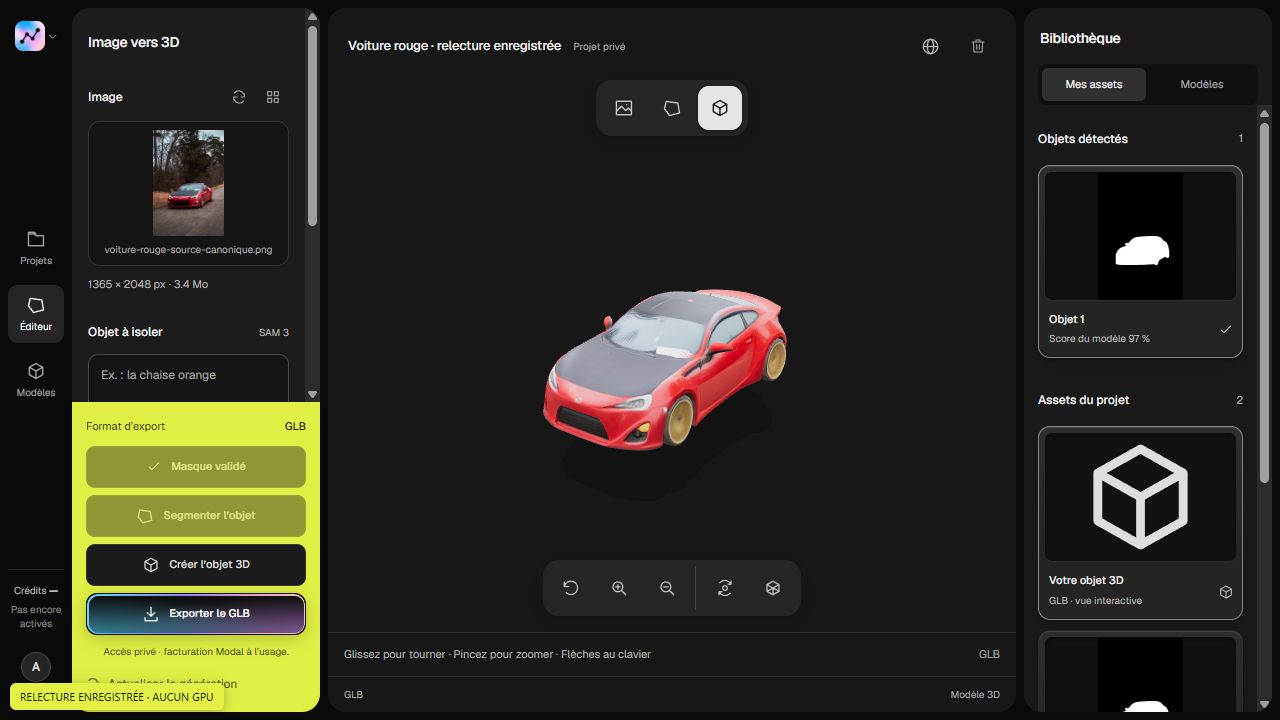
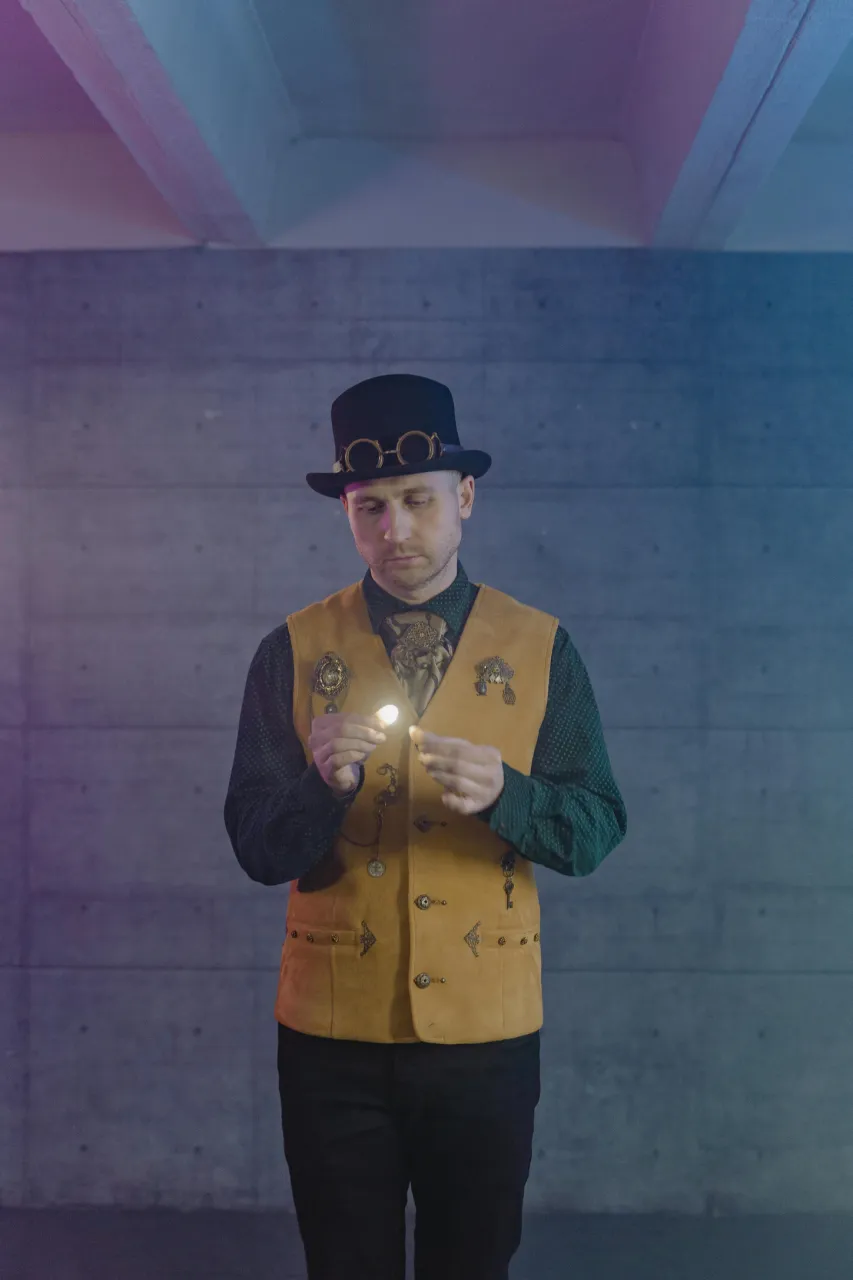
One character reference. Several props.
A costume contains more than one idea. Separate its vest, hat and goggles to study their volumes as independent objects. Use them to establish a visual direction before refining topology, textures and in-engine behavior.
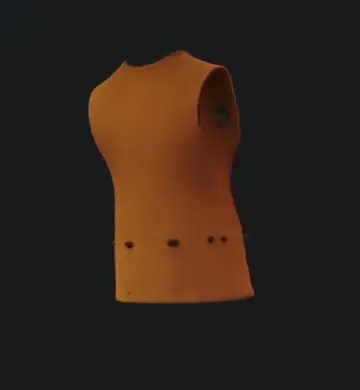
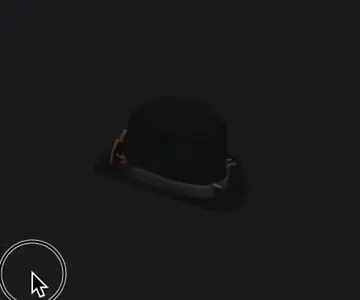

- Find a shared visual language for props.
- Try silhouettes and scale in a prototype.
- Keep scene composition separate from final optimization.
From your photo to your project.
Collect your references.
Photograph objects whose shape, material or history belongs in your world.
Extract your props.
Select each object and reconstruct it separately so you can place and reuse it independently.
Prepare for your engine.
Check topology, scale, pivot, materials and collisions. Test performance in the scene where the asset will actually be used.


Before you begin.
What can I create for my game?
Turn your photos into props, decorative pieces and objects for your worlds. Try out a visual direction and build up a collection of assets for your prototypes.
How do I bring an object into my project?
Download the GLB file and import it into a compatible 3D tool. Adapt its scale, materials and level of detail to your game, then place it in your scene.
Can I get several props from one reference?
Yes. Select each object separately, then generate the props you want. A single photo can become the starting point for several creations.
Your projects, connected to your tools.
List GLB asset metadata for your own catalog.
Included with Studio and Scale.
Explore the APIGET/v1/projects/{id}/assets
API="https://segmentit.com/api/v1"

curl "$API/projects/$SEGMENTIT_PROJECT_ID/assets" \
  -H "Authorization: Bearer $SEGMENTIT_API_KEY"
const api = 'https://segmentit.com/api/v1';
const key = process.env.SEGMENTIT_API_KEY;
const id = process.env.SEGMENTIT_PROJECT_ID;
const res = await fetch(`${api}/projects/${id}/assets`, {
headers: { Authorization: `Bearer ${key}` },
redirect: 'error',
});
if (!res.ok) throw new Error(`HTTP ${res.status}`);
const { data } = await res.json();


“Turn your photos into 3D objects. Ready for your scenes, creations and games.”
 Segmentit