
From photo
to 3D. Segmentit
SegmentitFrom a photo to a 3D asset
Understand the steps from selecting an object to placing it in a scene, and the checks that make an asset useful.
Read the guidePractical guides to choosing photos, understanding reconstruction and preparing your 3D assets.
SegmentitUnderstand the steps from selecting an object to placing it in a scene, and the checks that make an asset useful.
Read the guide Segmentit
A practical way to prepare a useful reference image, covering framing, viewpoint, edges and file checks.
Read the guide Segmentit
Compare GLB and OBJ packaging, materials and uses, then check your export in its destination software.
Read the guide Segmentit
Refine a segmentation mask with inclusion points, exclusions and the eraser. Check edges and gaps before turning your photo into a 3D object.
Read the guide Segmentit
Check a generated 3D model before export: hidden surfaces, thin parts, textures, scale and a test import into your scene or creative software.
Read the guideSelect an object in a photo, then explore it in 3D.
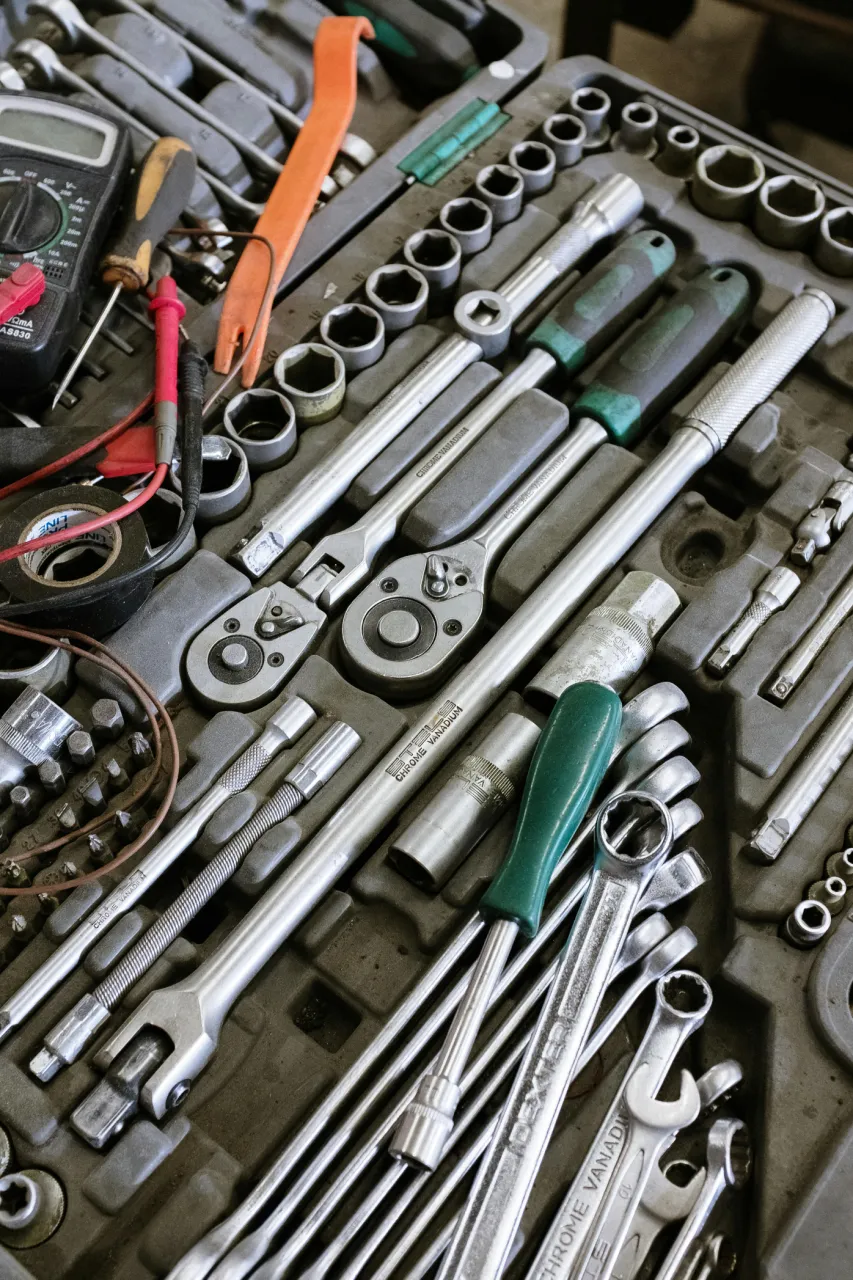
The green-handled screwdriver, selected among the tools in the photo.
Explore object extraction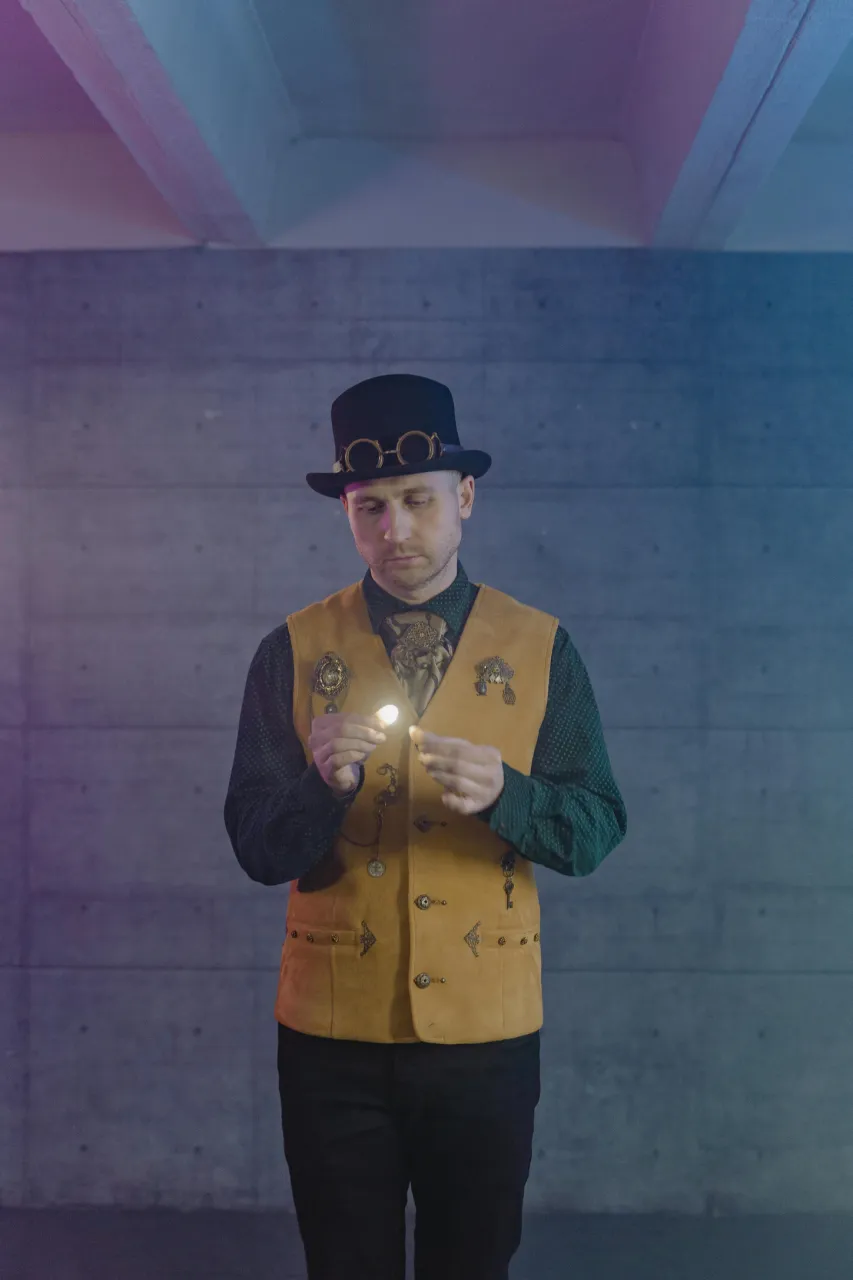
A vest, a hat and goggles to explore individually.
Explore game assets