
What is SAM 3D?
SAM 3D, also searched as SAM3D, is a family of Meta models for reconstructing 3D from an image. SAM 3D Objects estimates object geometry, texture and layout. SAM 3D Body is a separate model for human body shape and pose. Segmentit’s object workflow focuses on Objects.
Meta · SAM 3D ↗SAM 3
Image → 2D mask
SAM 3D Objects
Image + mask → 3D object
A precise selection and a reconstruction in volume solve different needs. Choosing the right subject comes before shape, texture and scene composition. Explore SAM 3.
The models compared
- TRELLISMicrosoft · Tsinghua · USTC
- Hunyuan3D-2.1
 Tencent
 - Hunyuan3D-2.0Tencent
- Direct3D-S2Nanjing · DreamTech · Fudan · Oxford
- TripoSGVAST / Tripo
- Hi3DGen
 ByteDance · CUHK Shenzhen · Tsinghua
 - SAM 3D
 Meta
Meta
Countries of the organizations and collaborations. Each model links to its official project.
SAM 3D Objects or Body?
Objects & scenes
Reconstruct the geometry, appearance and placement of an object from an image.
People & poses
Estimate human body shape and pose. A separate model for a different task.
Selection before reconstruction
Identify the subject in 2D, then use its mask to guide object reconstruction.
Choose your creative workflow
Start with a prop for a game, a decorative object for a scene, or a product to explore from another angle. A clear reference image makes it easier to assess the generated shape.
How does SAM 3D work?
Image + mask
The source image provides context; the mask identifies the object to reconstruct.
Geometry + pose
A first generative stage estimates shape and placement. Hidden surfaces are inferred from learned visual patterns.
Texture + refinement
A second stage refines appearance and details. The research pipeline supports mesh and Gaussian representations.
Research model architecture. Video features, representations and tools exposed in an application can differ. Official code ↗
SAM 3D against earlier image-to-3D methods
SA-3DAO · Shape reconstruction · F1@0.01 · Higher is better
Data and metrics
| Model | F1@0.01 ↑ | vIoU ↑ | Chamfer ↓ | EMD ↓ |
|---|---|---|---|---|
| TRELLIS | 0.1475 | 0.1392 | 0.0902 | 0.2131 |
| Hunyuan3D-2.1 | 0.1399 | 0.1266 | 0.1126 | 0.2432 |
| Hunyuan3D-2.0 | 0.1574 | 0.1504 | 0.0866 | 0.2049 |
| Direct3D-S2 | 0.1513 | 0.1465 | 0.0962 | 0.2160 |
| TripoSG | 0.1533 | 0.1445 | 0.0844 | 0.2057 |
| Hi3DGen | 0.1629 | 0.1531 | 0.0937 | 0.2134 |
| SAM 3D | 0.2344 | 0.2311 | 0.0400 | 0.1211 |
F1: surface precision and recall at threshold 0.01. vIoU: volumetric overlap. Chamfer and EMD: geometric distances (lower is better). Raw paper values, not success percentages.
Source: SAM 3D Team et al. · Table 2 · arXiv v1 (2025) ↗
SAM 3D scores 0.2344 on F1@0.01 in this comparison. These are paper-reported results on SA-3DAO, not a ranking of today’s commercial products or a benchmark run by Segmentit.
Volume overlap
How closely the predicted volume matches the reference. Higher is better.
- TRELLIS
- 0.1392
- Hunyuan3D-2.1
- 0.1266
- Hunyuan3D-2.0
- 0.1504
- Direct3D-S2
- 0.1465
- TripoSG
- 0.1445
- Hi3DGen
- 0.1531
- SAM 3D
- 0.2311
Surface distance
Geometric distance to the reference surface. Lower is better.
- TRELLIS
- 0.0902
- Hunyuan3D-2.1
- 0.1126
- Hunyuan3D-2.0
- 0.0866
- Direct3D-S2
- 0.0962
- TripoSG
- 0.0844
- Hi3DGen
- 0.0937
- SAM 3D
- 0.0400
Overall shape alignment
Distance between point distributions. Lower is better.
- TRELLIS
- 0.2131
- Hunyuan3D-2.1
- 0.2432
- Hunyuan3D-2.0
- 0.2049
- Direct3D-S2
- 0.2160
- TripoSG
- 0.2057
- Hi3DGen
- 0.2134
- SAM 3D
- 0.1211
Reading the results
A historical comparison of the versions evaluated in the 2025 publications, reviewed on October 7, 2026. Datasets, prompts and metrics determine what is measured. These scores predict neither generation time nor the quality of every photo in Segmentit.
From research to your next creation.
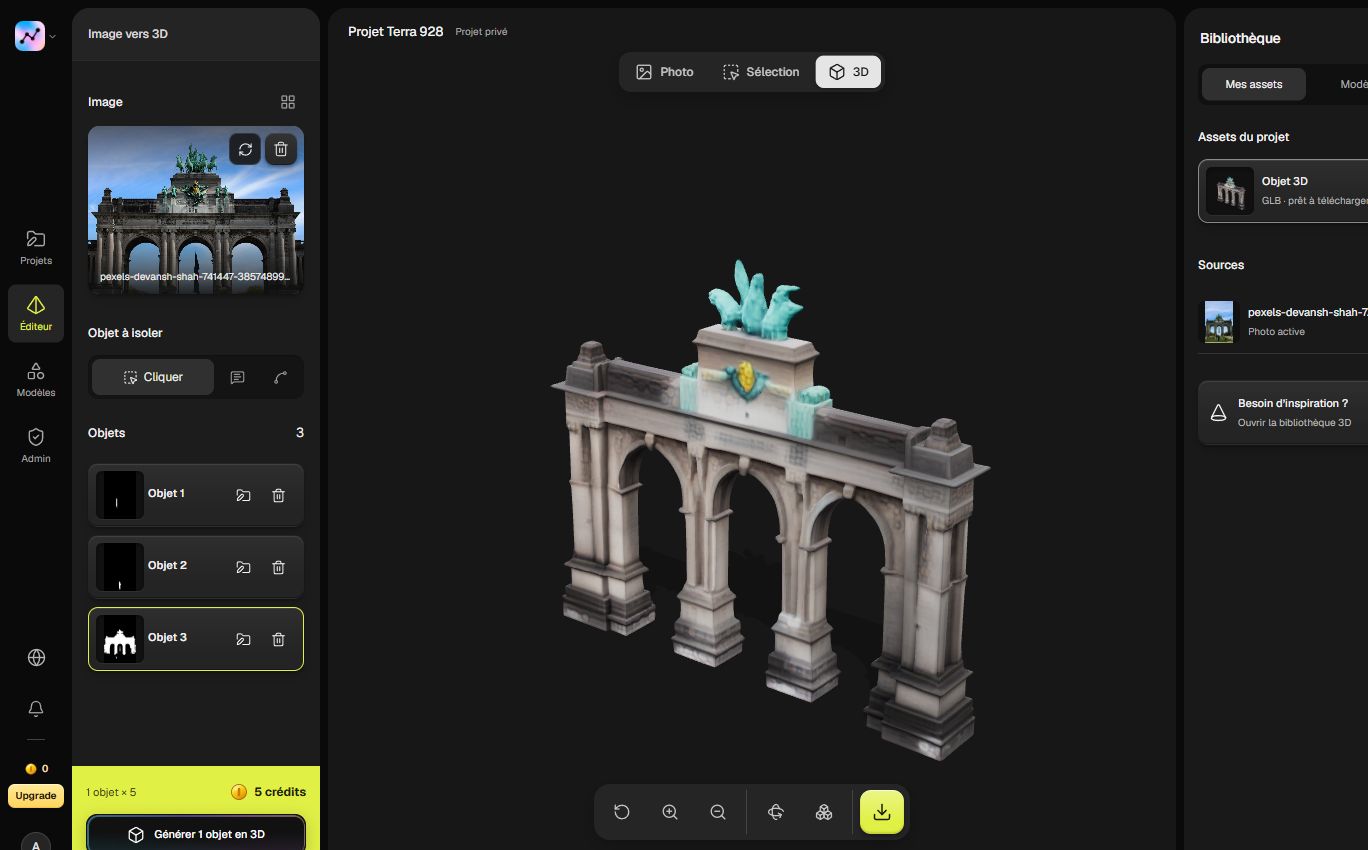
Bring a photo into Segmentit, isolate the object and launch its 3D generation. Inspect the result in the studio, then download a GLB for your next scene. Your selection and your model stay together in the project.
Questions about SAM 3D
SAM 3 or SAM 3D: which one do I need?
Use segmentation to choose the subject in an image, then reconstruction to create its volume. SAM 3 and SAM 3D are complementary technologies, not two versions of the same task.
What is SA-3DAO?
Meta’s benchmark pairs real-world images with shapes made by professional 3D artists. Its release describes 100 public image/3D pairs and 900 held-out pairs for benchmark competition.
How should I use a reconstructed object?
Treat it as a creative asset: inspect every side, set the scale for your scene and adjust materials in your 3D tool. A single image gives a useful starting point, while unseen details remain inferred.
Sources and documentation
Reviewed · Segmentit editorial