Turn your
2D photos into 3D assets.Your photos,in 3D.
Select an object in your photo. Turn it into a 3D asset. Export it to your project.
or try example



 Segmentit
Excerpts from the Meta AI SAM 3D video. view → Segmentit is independently developed and is not affiliated with Meta.
Your objects, new perspectives.
From photo to scene, give your objects a new dimension.
Explore the assetsA new interior starts with one object.
A vase, a table, a detail that inspires you. Bring your objects into 3D to recompose a scene, explore a layout and try new combinations in your interior design projects.
Rebuild the object. Keep what makes it distinctive.
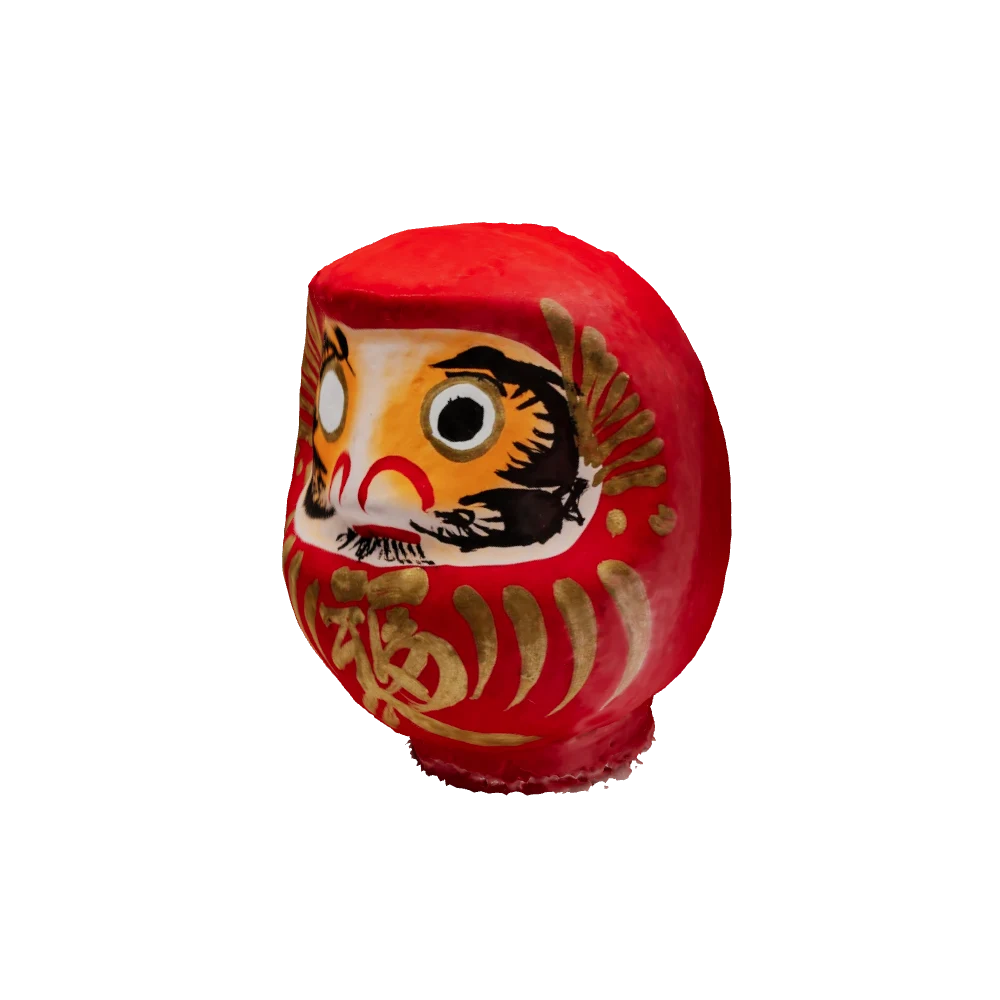
Isolate an object from its surroundings and explore its reconstruction in 3D. Its silhouette, proportions and handle details provide reference points for preserving the character of the photographed object.
From photo to your creative tools.
Export your 3D objects and integrate them into your projects. Compose a scene in Blender, prepare an experience in Spline or bring your website to life with Three.js.
 Three.js
 Blender
 Spline
- GLB
- glTF
- OBJ
From the real world to your next game.
Bring your game ideas to life with the objects around you.
Explore the assets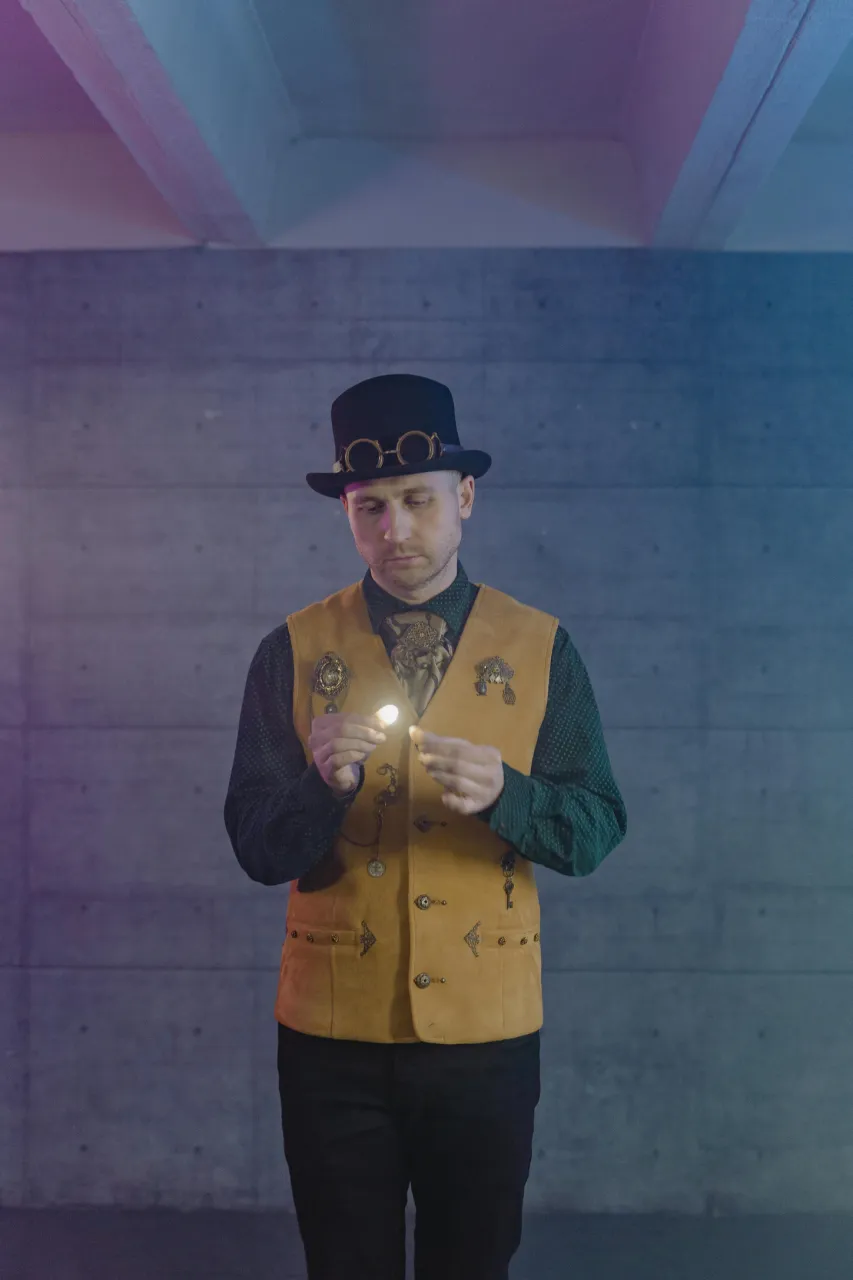
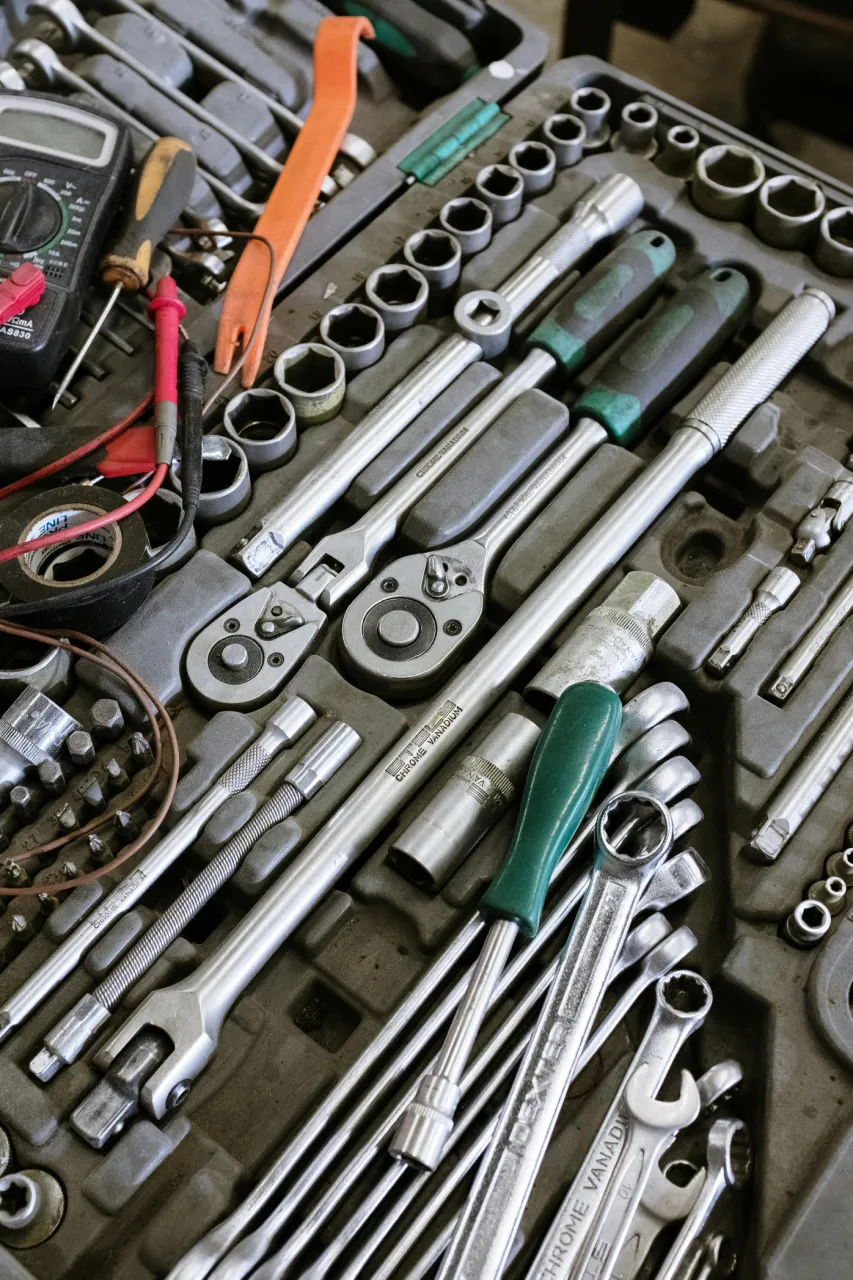
Your assets come from the real world.
A vest, a hat, a pair of goggles: one photo becomes the starting point for several objects. Explore each piece in 3D to imagine accessories and enrich your game world.
Details to build a world.
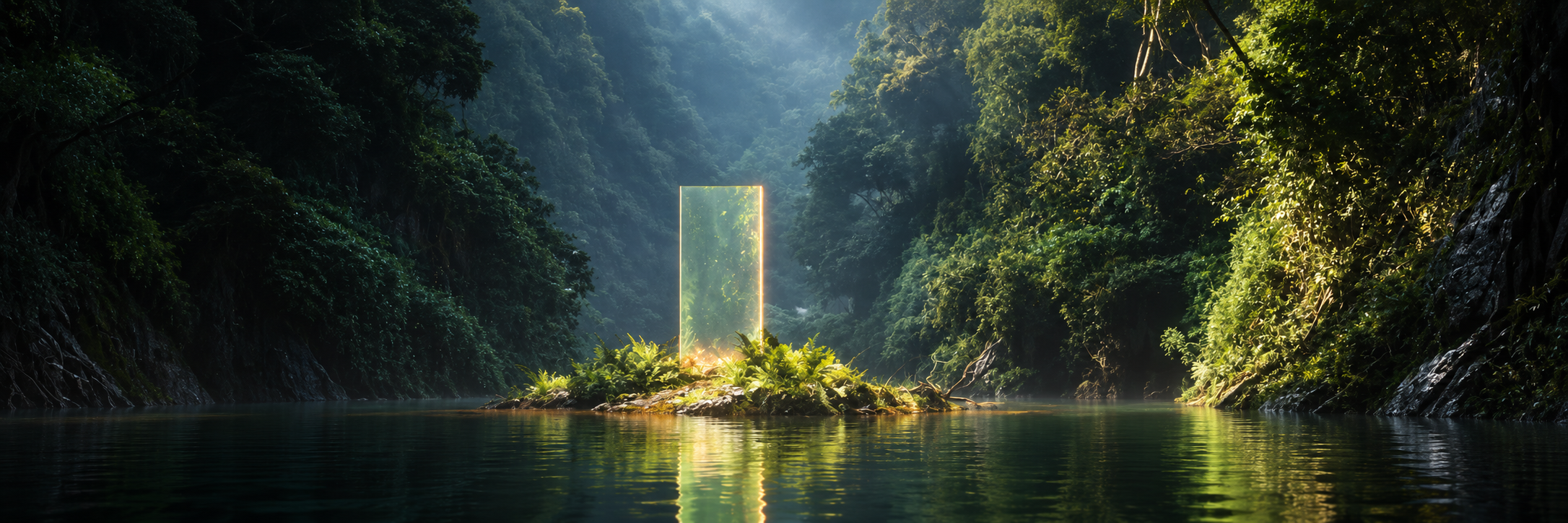
Terrain, ground marks, everyday objects: start with a real place to compose a setting and give your environment a story.
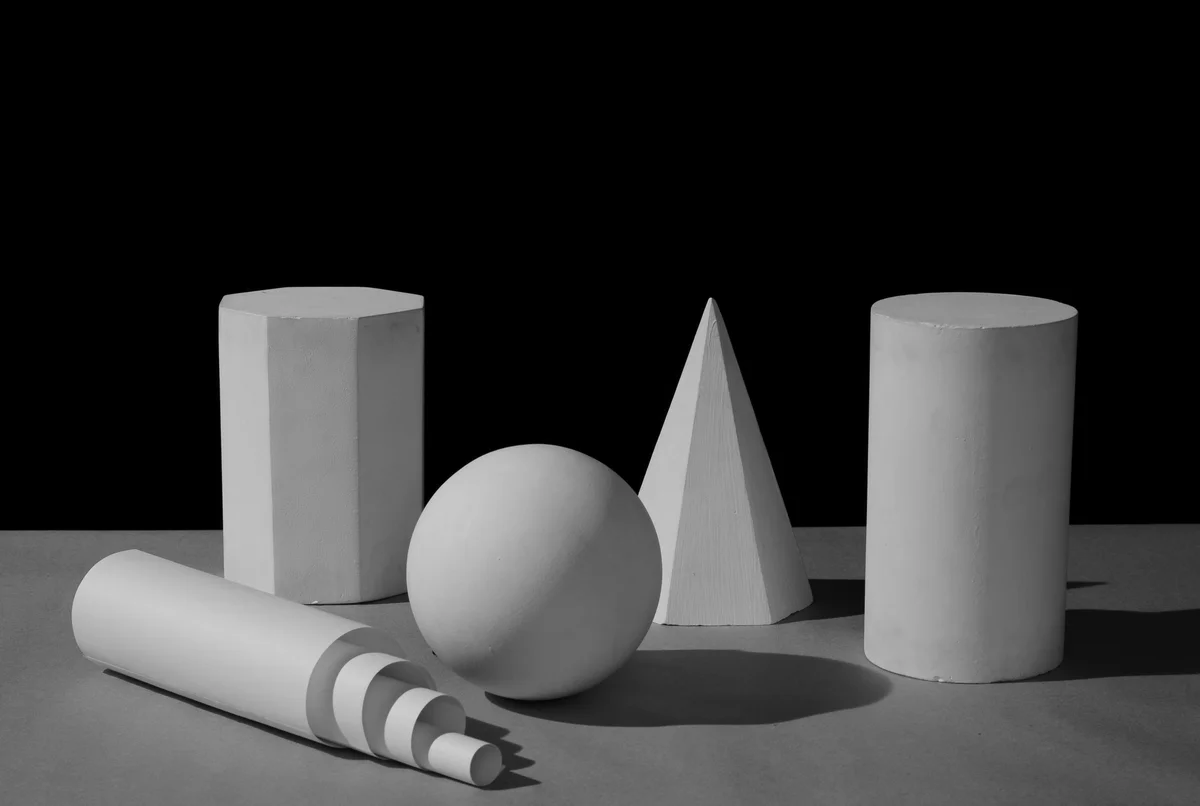
Character, before texture.
A pose, a silhouette, familiar volumes. Start with a photo to explore a character’s shape before working on its appearance.
 Unity
 Unreal Engine
 Godot
- Blender
- GLB
- glTF
- OBJ
- FBX
Other use cases
- Interior design
- Product design
- VR / AR
- Education
- Film & VFX
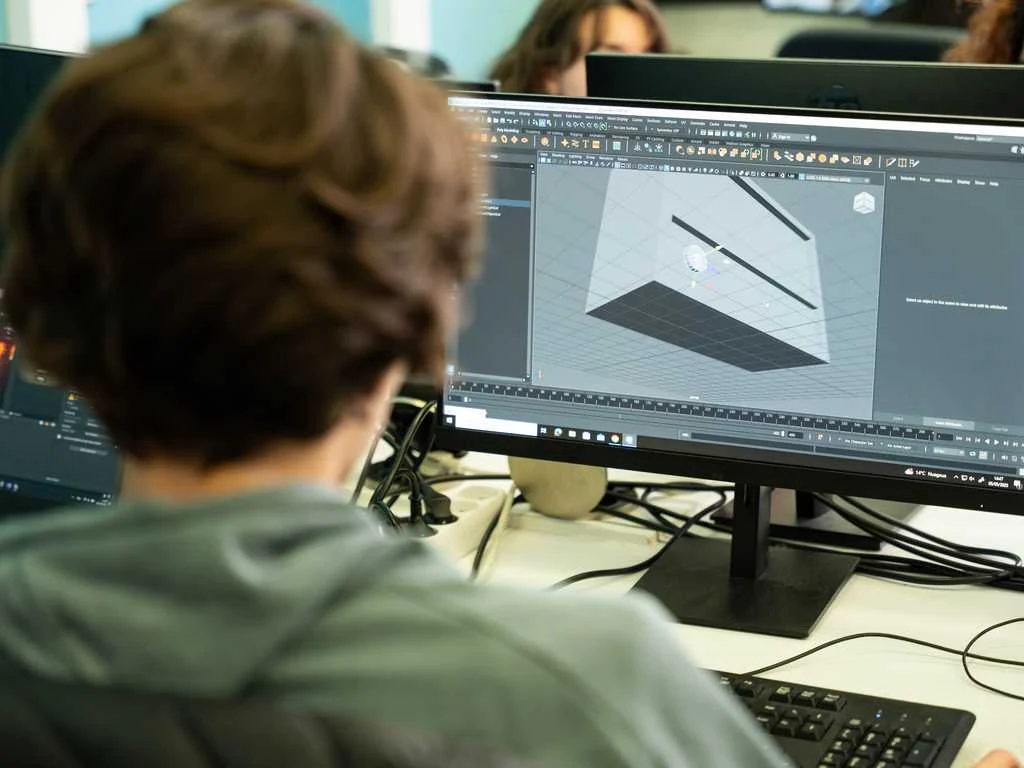
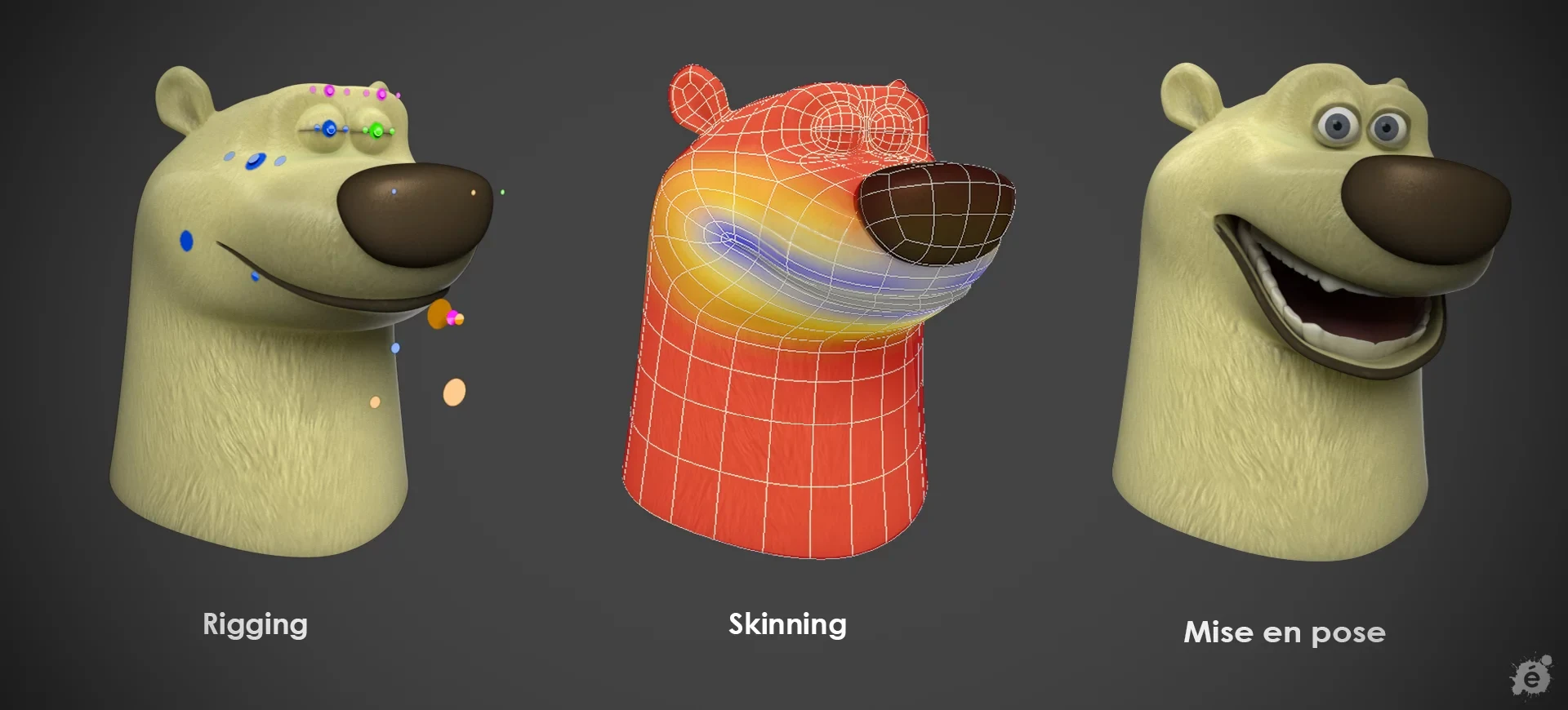
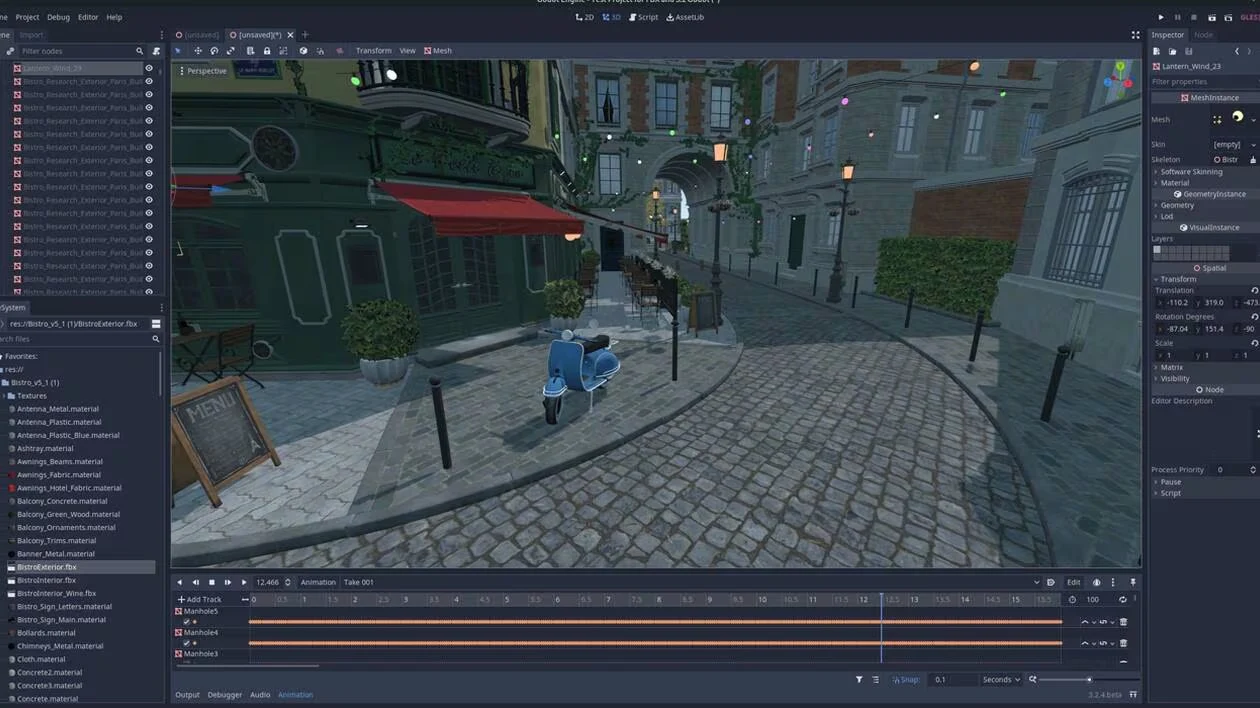
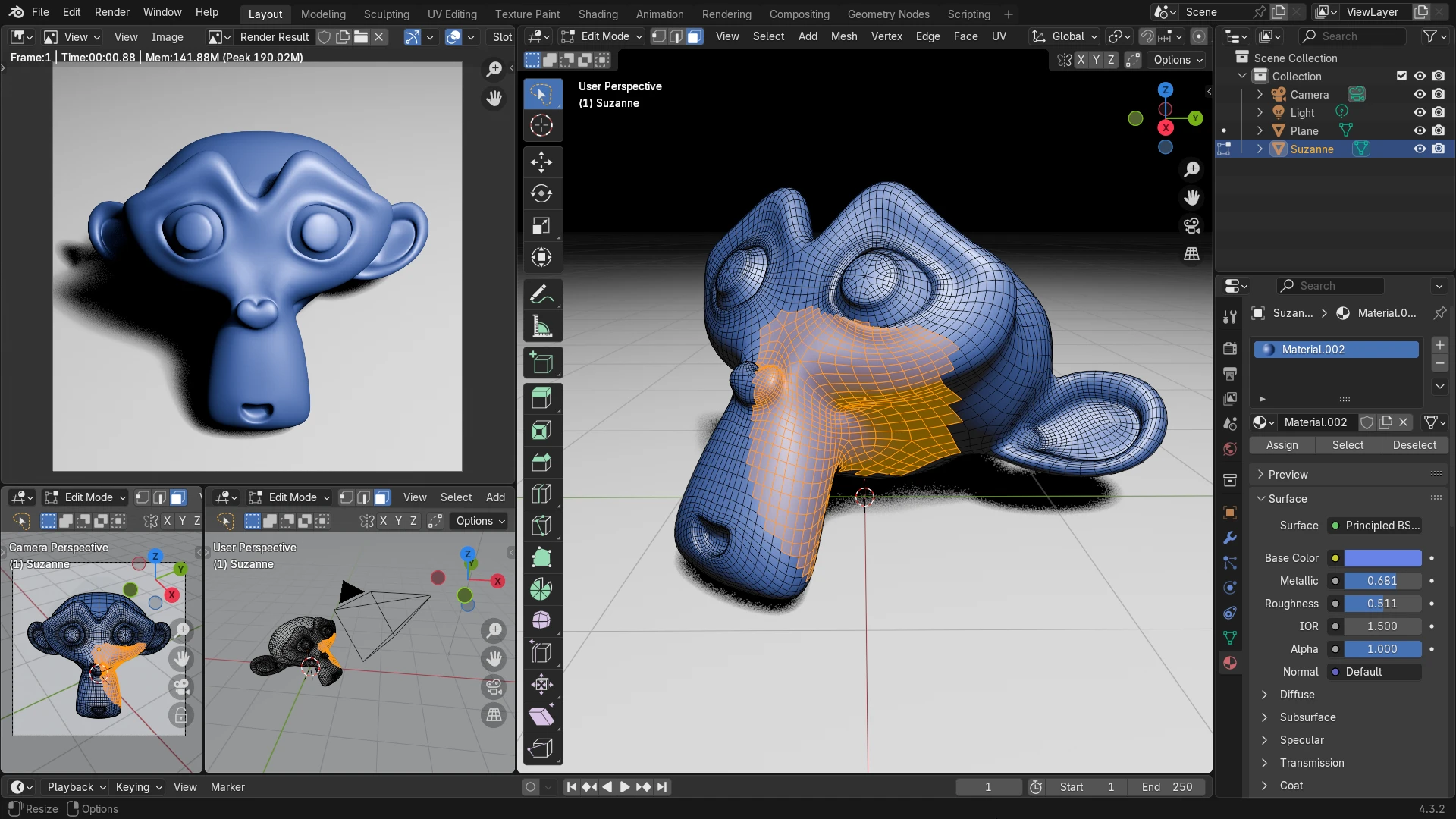

From the frame.
Into your workflow.
From a photo to a 3D asset.
Three steps to your next scene.
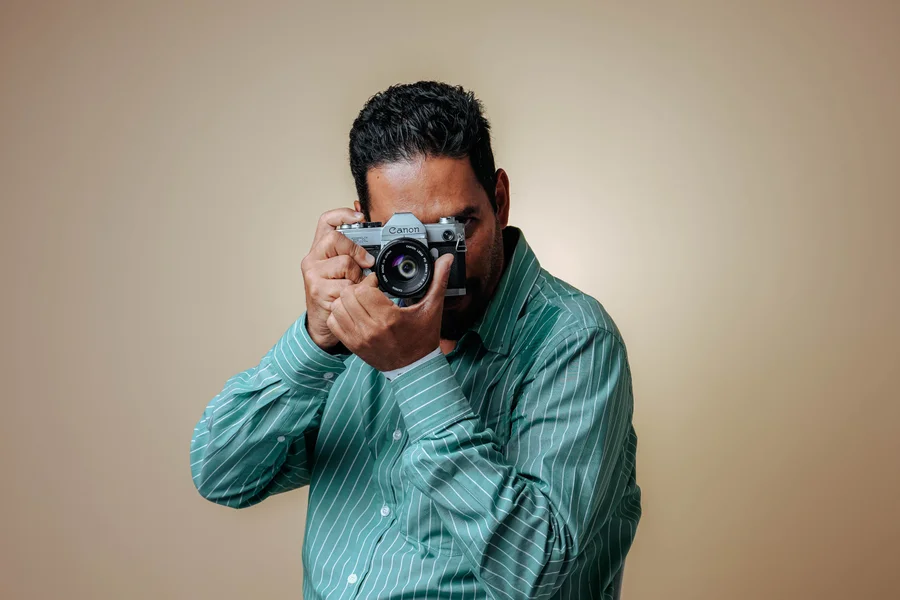
Take a photo.
Capture something around you, or choose a photo from your camera roll.
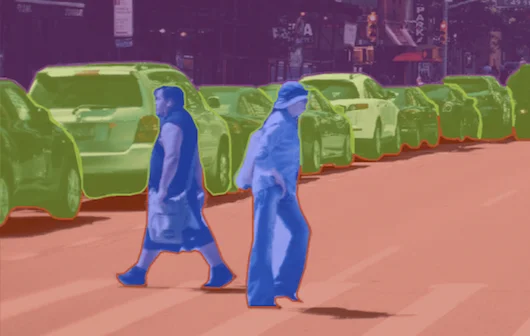
Segment an object.
Select the object you want and separate it from the rest of the image.
Use your 3D.
Turn your selection into a 3D asset, then export it to your next scene, design or game.
Your next asset
could be in your camera roll.
We’re building Segmentit.
Be part of what comes next.
“Turn your photos into 3D objects. Ready for your scenes, creations and games.”
 Segmentit
A few things
you might be wondering.
How do I create my first 3D object?
Open the studio, upload a photo and select your subject. Start the 3D generation, explore your object from every angle, then download it for your next project.
Do I need to know 3D modelling?
Start with a photo and an idea. Select your object directly in the image and let AI create its 3D shape. The studio brings selection, touch-ups and preview together in your browser.
What can I download?
Download your 3D objects as GLB files, a format in the glTF family, to continue creating in your 3D tools. You can also save your isolated selections as transparent PNG images for your visuals and compositions.
Can I create several objects from one photo?
Yes. Give each subject its own selection, refine its outline and choose which objects to turn into 3D. Keep your creations together in the same project.
Which photo should I choose?
Choose a sharp, well-lit photo with the whole object visible. Furniture, decorative pieces or everyday objects: pick a subject that inspires you and give it a new place in your creations.